AI in marketing and design: where it speeds up the work, and where a human decision is needed
Adam Kapuściński
Senior designer
Today anyone can generate a graphic, a piece of copy or ten layout variants in a few minutes. The side effect is easy to predict: lots of material, little consistency. Different styles, different tools, different people, and the brand starts to look like a collection of accidents.
So the question isn’t “should we use AI?” but “where does it really help, and who makes the decisions?”.
Why more tools don’t mean better quality
Every tool has its own defaults and its own “style”. When different people use them without a shared point of reference, the brand drifts apart within weeks. Producing faster without direction doesn’t raise quality. It only raises the amount of material that needs fixing.
Materials look as if they came from different companies.
There is no quality control: nobody checks the details, brand consistency or usage rights.
AI-made materials have a recognisable look that audiences spot straight away. You lose originality and look like everyone else.
Nobody knows who signs off the final version.
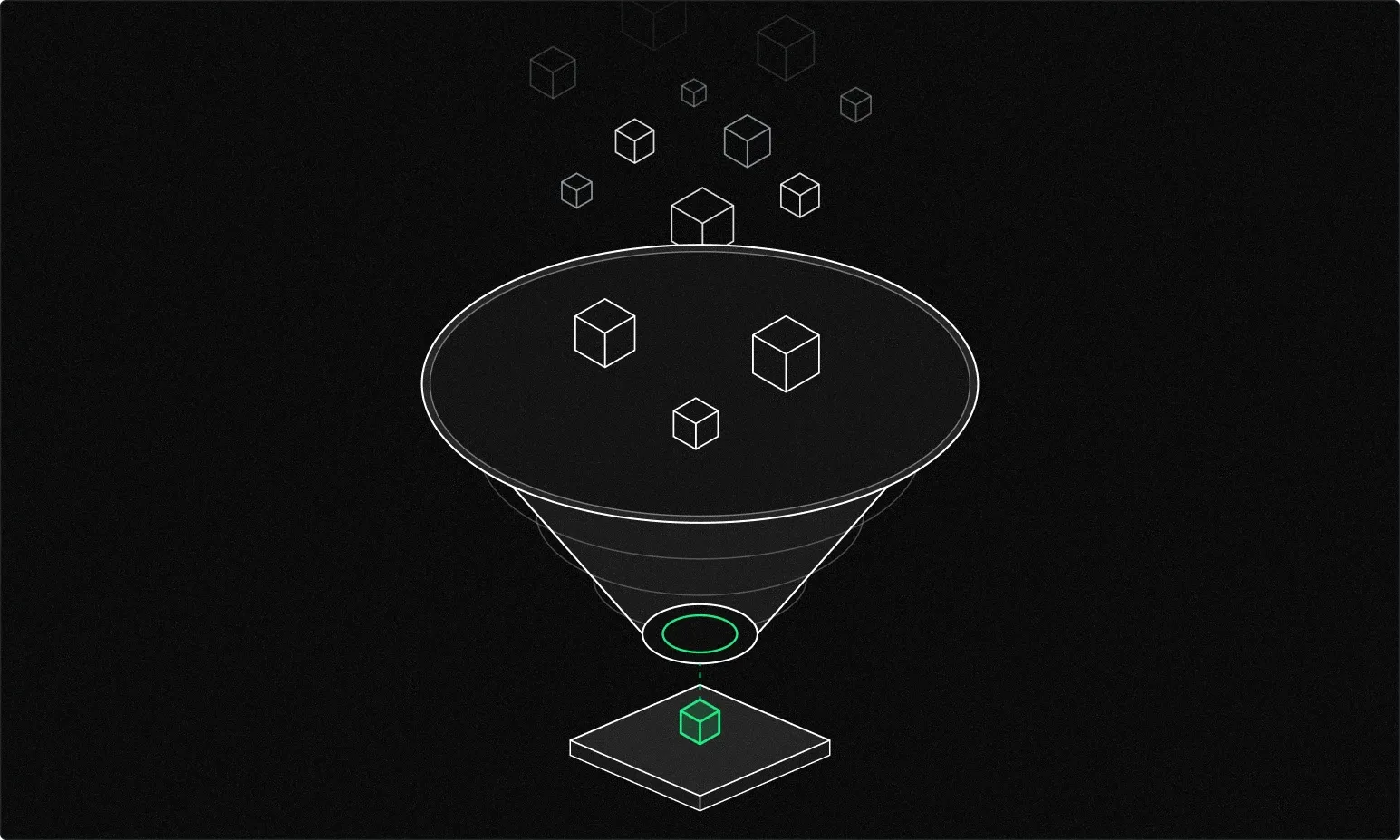
More tools, less consistency · concept illustration
Different tools, different stylesArt direction quality controlOne direction
Speed without direction adds chaos, not quality.
Where AI really speeds up the work
Exploring directions. Moodboards and quick variants help you compare styles before you invest time in refining one.
Backgrounds, visualisations, images and photos. Where you need context or raw material rather than the hero of the shot.
Variants, formats and adaptations. The same design in many sizes and versions.
Building a finished design. Turning an approved design into a working website quickly.
Support work. Draft copy, research, organising notes and structures.
Design under control, built with AI
One of the best uses of AI is building, not inventing. We design the website ourselves: the strategy, layout, style and details, so we stay in full control of it. AI tools can then turn that design into a working website very quickly. You save a lot of time and money on development, and control over the result stays with the design.
The same goes for backgrounds, visualisations, images and photos: AI generates the raw material, and we select and refine it to match the brand identity.
Where a human decision is needed
Strategy and direction. Why the brand exists, who it speaks to and how it wants to be seen. AI doesn’t know your company until you tell it.
Art direction. Choosing, rejecting and keeping the style consistent. The hardest and most underrated part.
Details and craft. Typography, proportions, brand consistency and the small mistakes you only notice in print or on a big screen.
Message and tone. Understanding the context, the audience and the nuances a model won’t pick up.
Rights and safety. Tool licence terms, data policies and what you may use commercially. If in doubt, it’s worth talking to a lawyer.
Division of work · AI and people
AI speeds up
Exploring directions and moodboards
Backgrounds, visualisations and photos
Building the finished design
Variants, formats and adaptations
People decide
Brand strategy and direction
Art direction: choosing and rejecting
Details, typography and quality
Message, tone and accountability
AI proposes. People choose and answer for the result.
The risk: a style someone already has
AI learns from existing work, so it rarely creates a truly unique style. Results often fall into a familiar pattern and, in extreme cases, come close to solutions someone has already used. That’s a risk for the brand, because audiences and competitors can notice.
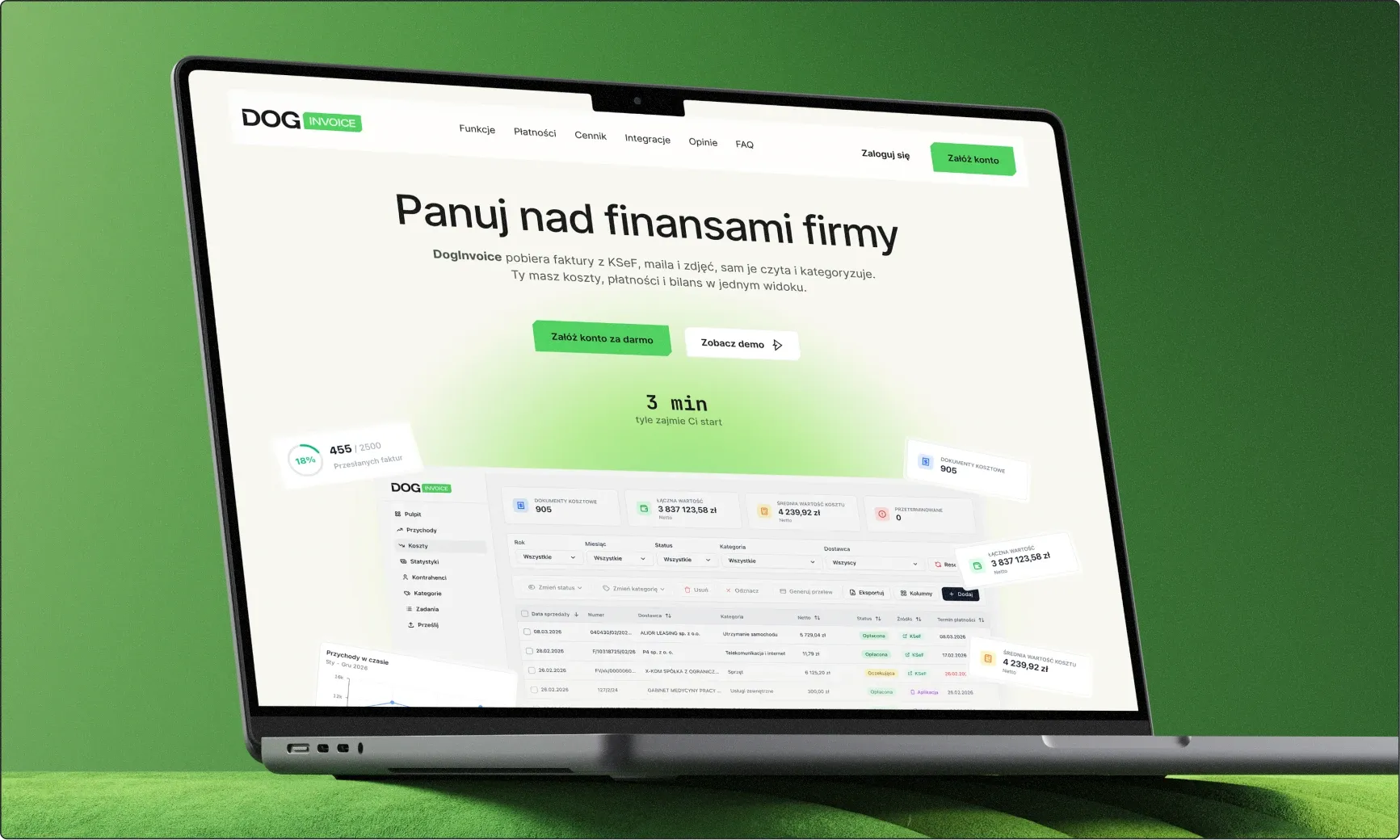
DogInvoice shows this well. It’s an app that automates work with financial documents: it imports invoices from KSeF (Poland’s national e-invoicing system), reads receipts and invoices from photos using AI, and categorises costs. The first version of its website was made with the help of AI. It turned out that the visual solutions were very close to an existing website in the same industry. The owner of that brand quickly noticed the similarity, and it caused quite a stir.
The company came to us needing a unique identity and website on a short timeline. The brand had to be distinctive, individual and easy to recognise, and completely cut off from the aesthetics associated with AI-generated design. DogInvoice is a sub-brand of Dogtronic Labs, so the identity had to make the product itself stand out while staying consistent with the ecosystem of future brands.
DogInvoice
A finance management app for Polish SMEs, a sub-brand of Dogtronic Labs.
website redesign
logo and a unique visual identity, consistent with the ecosystem of future Dogtronic Labs brands
visual style and social media graphics
A simple rule: AI proposes, people decide
In practice, a simple division of work does the job:
Direction (people).The goal, strategy, base style and examples of good and bad results.
Exploration (AI).Quick variants within agreed limits.
Selection and refinement (people).Art direction: what stays, what goes and what needs fixing.
Quality control (people).Brand consistency, details, usage rights.
Adaptations (AI and people).Formats, sizes and versions, with a final check.
A simple workflow · who is responsible for what
01Directionpeople
02ExplorationAI
03Selection and refinementpeople
04Quality controlpeople
05AdaptationsAI + people
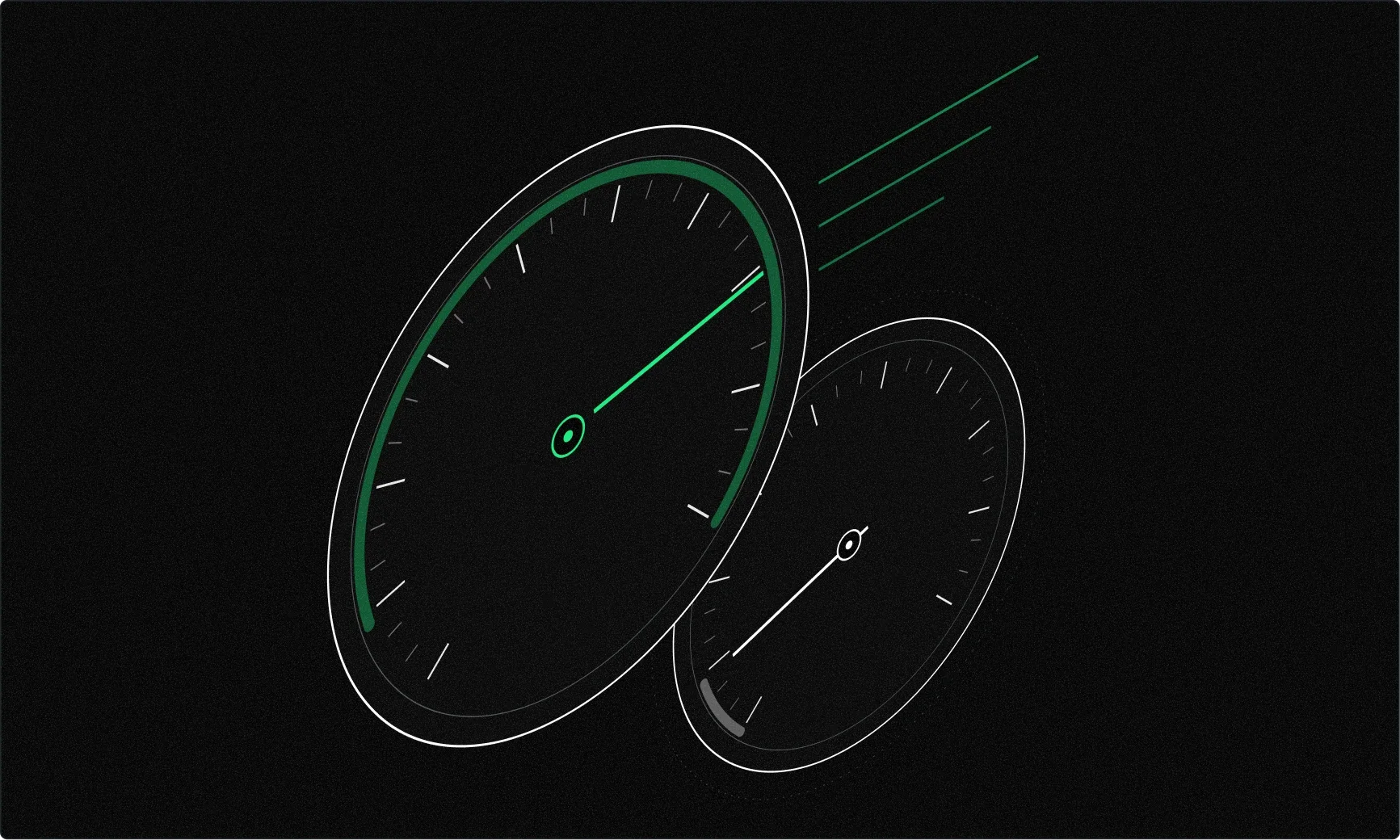
AI speeds up exploration and adaptations. Direction, selection and control stay with people.
How to build a workflow that doesn’t break the brand
Define the foundation.Identity, rules, style references and examples. The point of reference for every tool.
Name the person responsible for the final choice.Someone has to say “yes” or “no”.
Decide what AI is for.For example backgrounds, variants and sketches, and what it isn’t for, such as key brand elements.
Write a quality checklist.Colours, typography, details, rights.
Save settings and prompts.That way a result can be repeated instead of recreated from memory.
Start with a small pilot.One type of material, one person responsible, quick conclusions.
A single “no” is enough to send the material back for fixes.
How we do it
In our work AI is one of the tools, not the author. Art direction and quality control stay with people. Our projects show it best.
GPW Group
The client sometimes uses AI, and we look after quality and consistency.
the client sometimes uses AI to prepare content and describe the scope of work, and we analyse those materials and propose design solutions
every important design element goes through our hands
we propose fresh solutions while keeping one brand direction
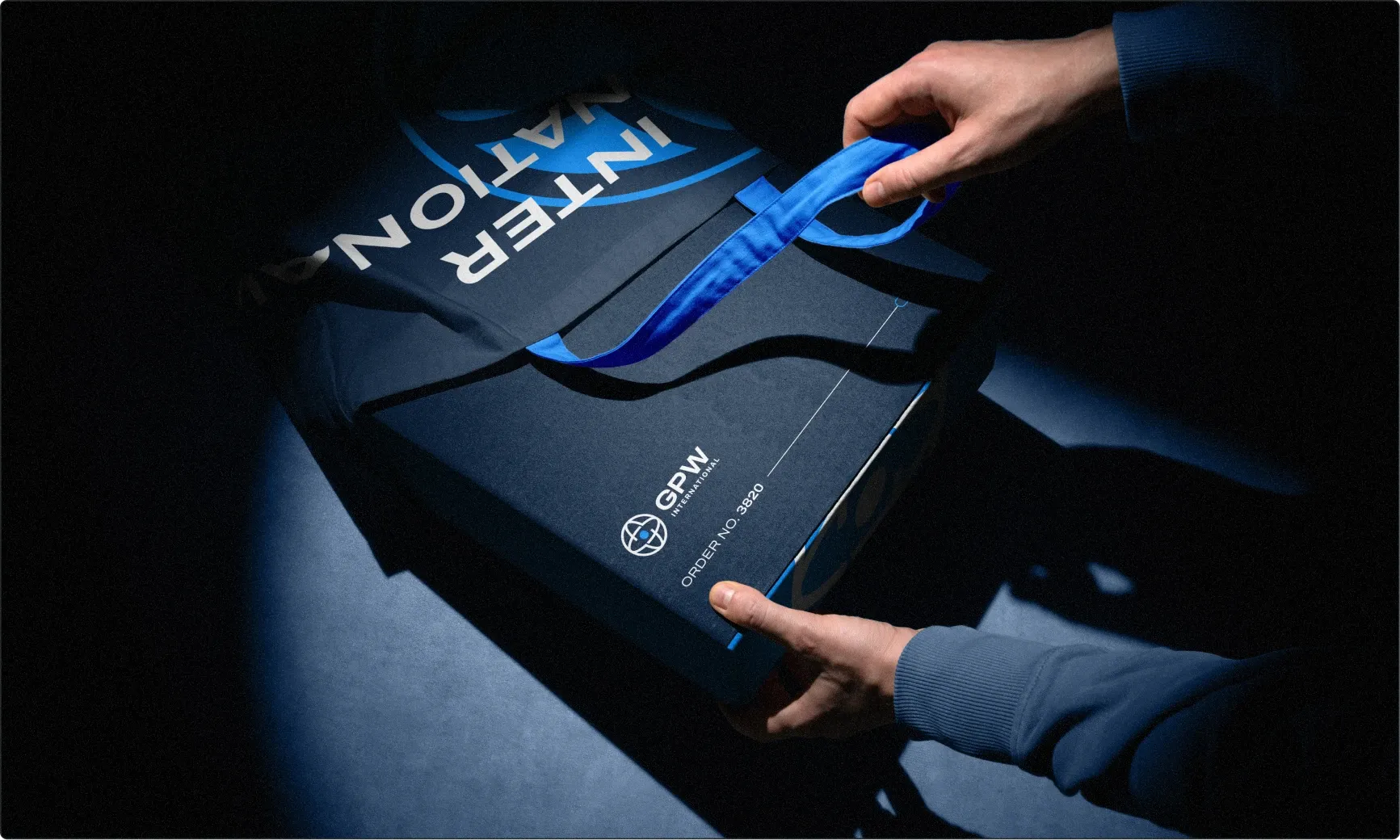
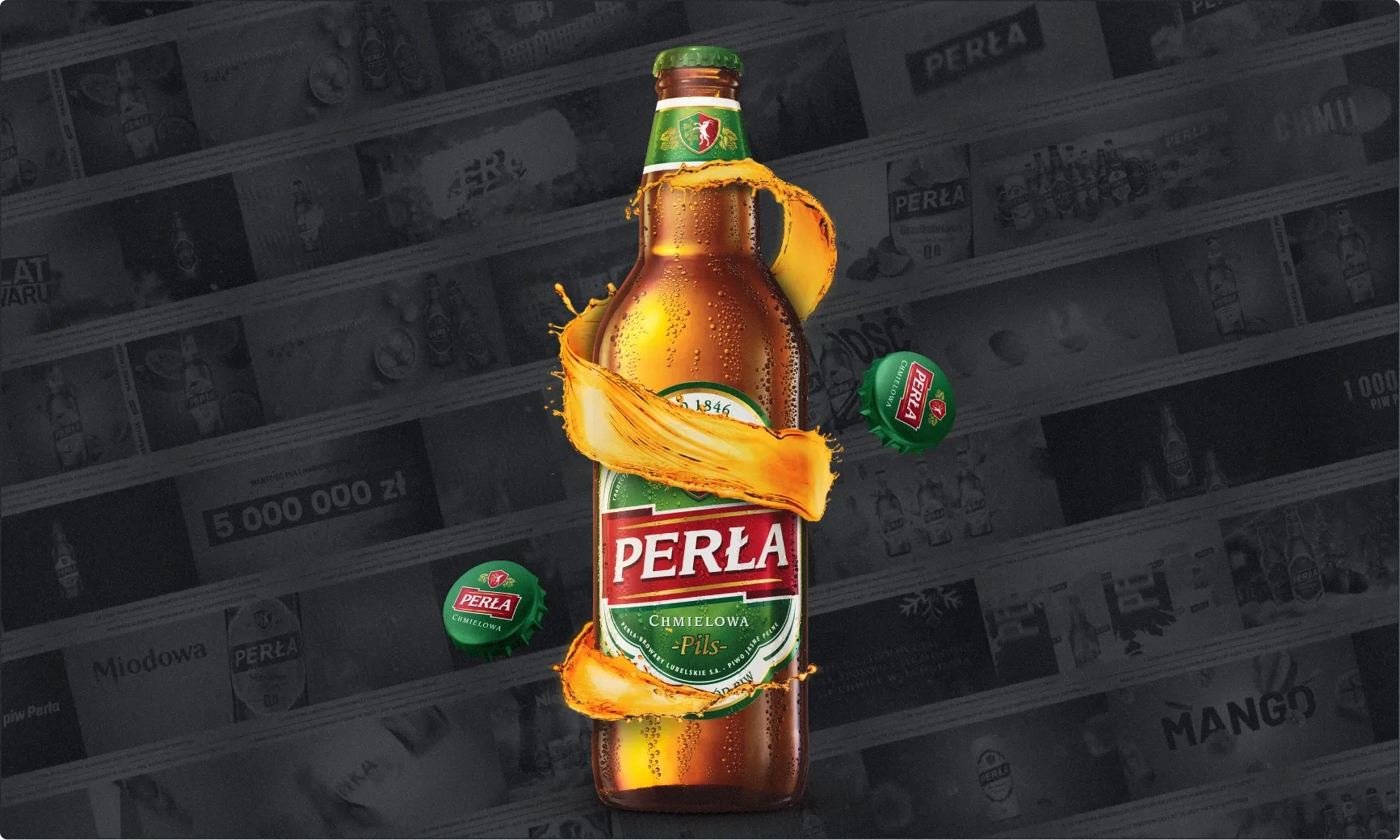
At GPW we don’t use AI for design, but the client sometimes does, for example to prepare content and describe tasks. We analyse such materials and propose design solutions, while control over consistency stays with us. At Perła, AI sped up one element (the backgrounds), and people decided on the composition, motion and brand fit. At DogInvoice, AI sped up the first stage but lacked originality, so we created a new, unique brand and website. Read also about continuous brand evolution.
How we start
Enquiry.You describe how your materials are made today and what isn’t working.
Quick review.We gather the basics about the brand, the tools and the current process.
Backlog with a quote.We break the work into stages and estimate hours and costs.
Brand sprint workshop.Together we set the direction that also becomes the reference point for AI tools.
Project.We start with a clear plan.
How we start · 5 steps
01Enquirywhat you come with
02Reviewa quick knowledge base
03Backlogstages, hours, costs
04Workshopa brand sprint together
05Projectwe start with a plan
We start with how your materials are made today.
Common concerns
“Do I risk my website looking like someone else’s?”
It’s a real risk, because AI often reproduces familiar patterns. That’s why we set the visual direction deliberately and check the results for originality. That was the case with DogInvoice, where we created a new, unique brand and website.
“Will AI replace the designer?”
Not when it comes to decisions. AI speeds up each stage, but someone has to know what they’re looking for, what to reject and when the material is ready.
“Don’t AI materials look generic?”
They do when there’s no direction. The result depends on the foundation (identity, references) and art direction.
“Is it legally safe?”
It depends on the tool and how it’s used. It’s worth checking the licence terms and data policy of each tool and, when in doubt, talking to a lawyer. We don’t replace that kind of advice.
“We already use several tools and it’s chaos. What now?”
That’s a common starting point. We begin by reviewing what has been made, setting a base style and dividing responsibilities. Only then do we sort out the tools and the process.
Summary
AI is a great accelerator, but it doesn’t replace direction or accountability. The biggest difference isn’t made by the number of tools, but by whether someone looks after consistency and quality. So it’s worth starting with a question: what does AI do in your materials today, and who says “yes” or “no” before anything is published?
If you use AI and feel that quality or consistency is slipping, or you’re only planning to bring it in, bring us your current situation. You don’t need a ready strategy or rules. We’ll help you name the right next step.